GitHub Actions で AI を動作させる仕組みとして Agentic Workflows が追加されていて、これを試したメモ。
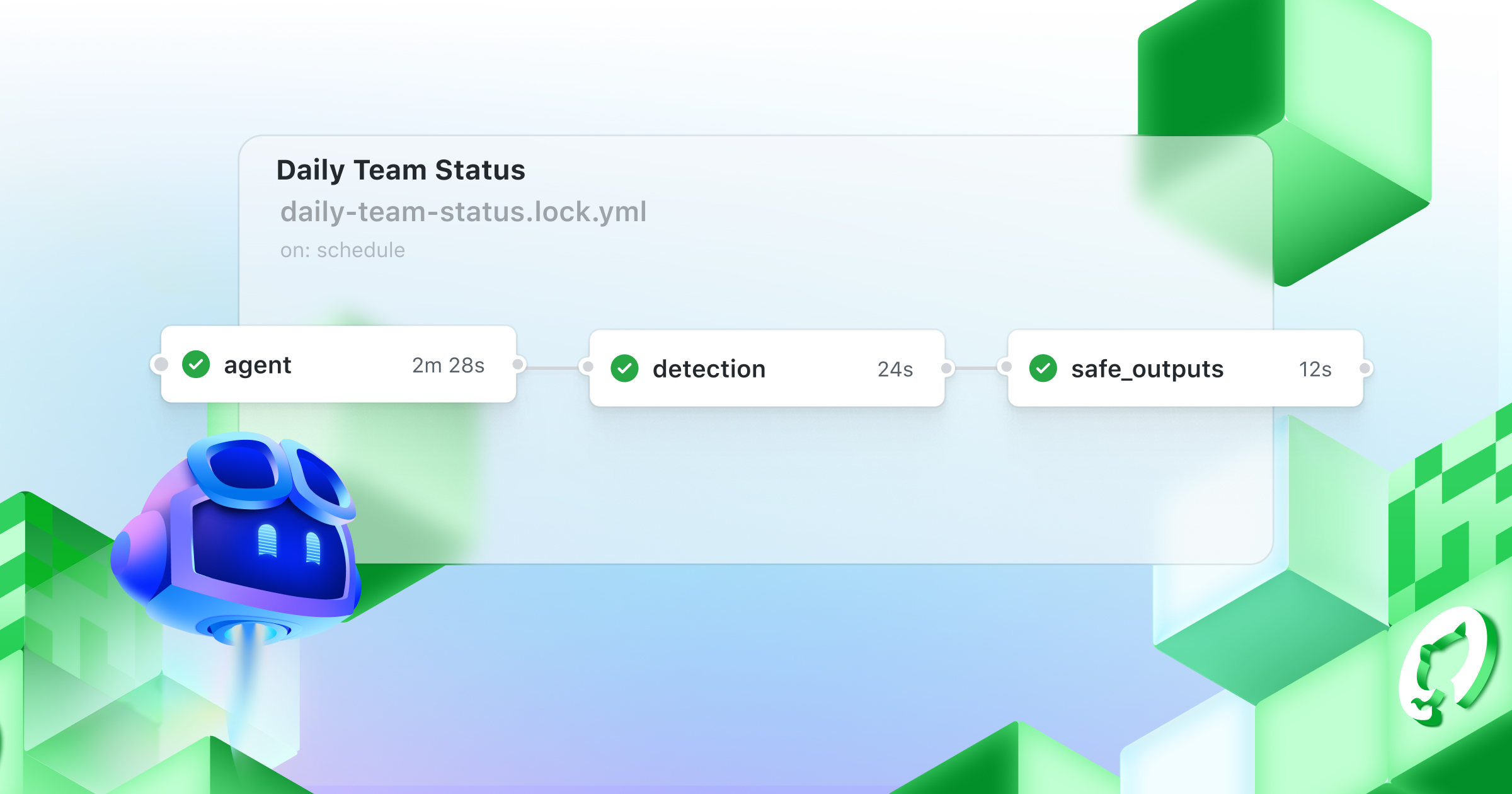
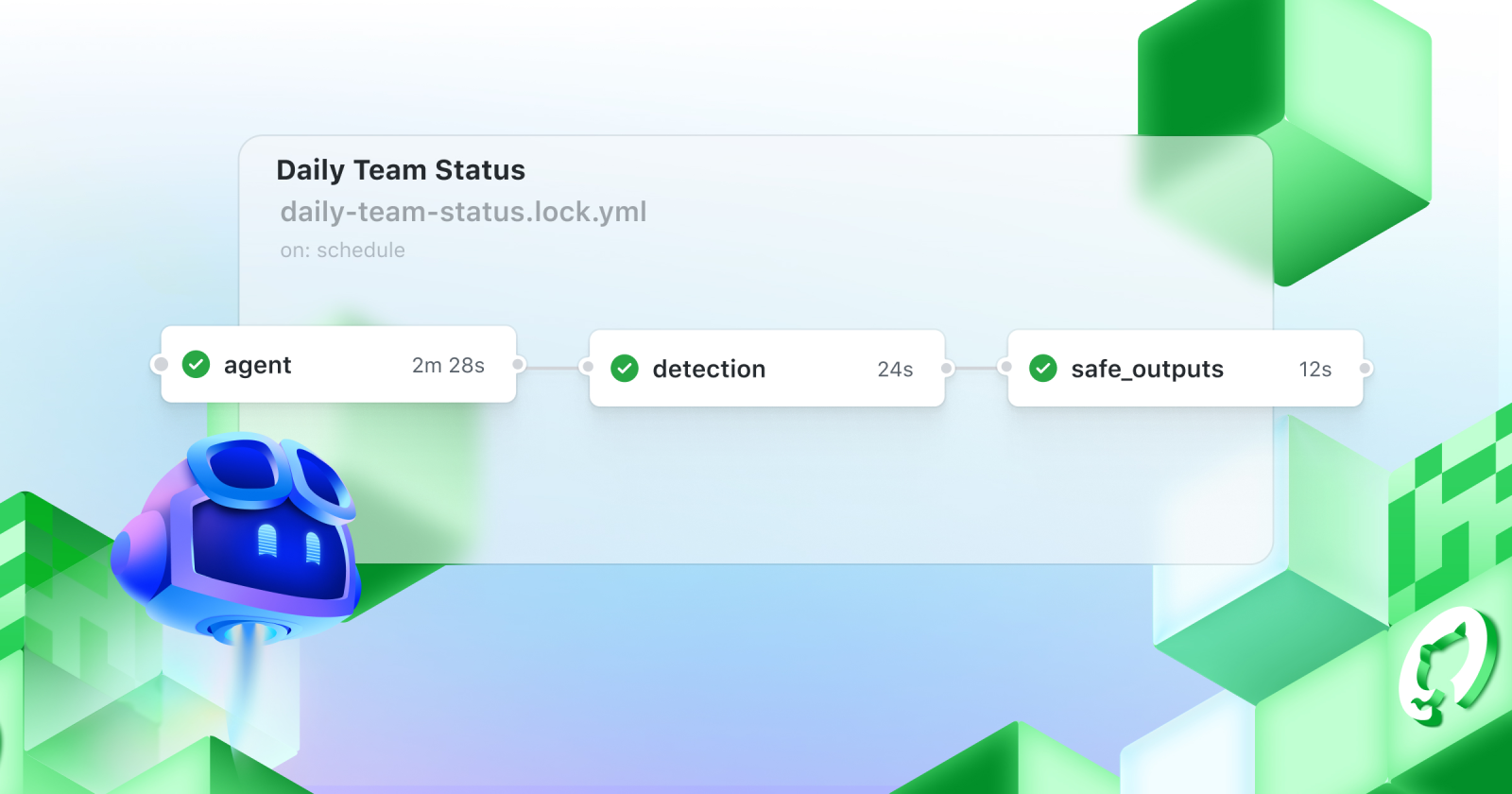
ざっくり言えば Markdown 形式でプロンプトを書き、Frontmatter に GHA の workflow ファイルに書くような設定を書くとそれをビルドして GHA で動作する [workflow].yml にしてくれる。
最近は変更点を ADR 形式で残す + 重要な点を ARCHITECURE.md や CLAUDE.md に反映するようなスタイルで開発をしていて、 main にマージした際に ARCHITRECURE.md への反映内容が間違っていないかを GHA で検証したかったので、そこに使ってみることにした。プロンプトはすでに Claude Code Action 向けに用意したものを使いまわしている、解説は割愛。
Agentic Workflows 用の Markdown は https://github.com/github/gh-aw/blob/main/create.md を読むことで作ることができるようになる。これを読むようにしながら、必要なものを作ってもらう。
https://github.com/github/gh-aw/blob/main/create.md を読んで、@.github/workflows/validate-docs.yml を Agentic Workflows に置き換えてください これで以下のようなファイルができる:
---
description: Validate ARCHITECTURE.md and CLAUDE.md for factual accuracy against the current codebase
on:
  push:
    branches: [main]
permissions:
  contents: read
  issues: read
  pull-requests: read
tools:
  github:
    toolsets: [default]
  edit:
safe-outputs:
  create-pull-request:
    max: 1
    labels: [documentation]
  add-labels:
    allowed: [documentation]
---

# Validate Documentation

You are an AI agent that validates ARCHITECTURE.md and CLAUDE.md for factual accuracy against the current codebase.

### Scope

Only check for **incorrect** items. Do NOT:
- Add missing items or sections
- Remove items that are correct
- Suggest improvements or reorganization
- Change style or wording unless factually wrong

An item is "incorrect" when it describes something that contradicts the actual codebase — for example, a package name that doesn't exist, a wrong file path, a description that doesn't match what the code actually does, or a stated principle that the codebase explicitly violates.

### Steps

1. Read `.claude/skills/doc-writer/SKILL.md` to understand the documentation rules and structure
2. Examine the package structure under `packages/` (list directories, read package.json files and main entry points)
3. Examine `.github/workflows/` to understand where and how each package runs
4. Read `ARCHITECTURE.md` and validate every factual claim against the codebase
5. Read `CLAUDE.md` and validate every factual claim against the codebase
6. If no incorrect items are found, call the `noop` safe output with the message "No incorrect items found." and stop
7. If incorrect items are found:
   a. Fix only the incorrect items in ARCHITECTURE.md and/or CLAUDE.md using the edit tool
   b. Use the `create-pull-request` safe output with:
      - Branch name: `chore/fix-docs-YYYYMMDD` (where YYYYMMDD is today's date)
      - Commit message: `docs: fix incorrect items in ARCHITECTURE.md / CLAUDE.md`
      - Title: `docs: fix incorrect items in project documentation`
      - Body listing each incorrect item found and what was fixed

### Language Policy

Write commit messages, PR title, and PR body in English. Think in English.

### Output

- If changes were made, use the `create-pull-request` safe output to submit a PR with the fixes
- If no incorrect items were found, use the `noop` safe output to confirm that documentation is accurate
本文部分が実際に AI にやってほしいことのプロンプトで、Frontmatter には on: のような GHA でおなじみのものに追加して、この Workflow で Agent が生成できる成果物を safe-outputs として指定できる。ここで書き込めるものを指定しておくことで、安全に動かそうという仕組みのようだ。
Markdown を作ったら gh aw コマンドでビルドする。
$ gh extension install github/gh-aw
$ gh aw compile --strict [workflow-name]
無事ビルドができると workflow-name.lock.yml が作成される。これが実際に動作する workflow で、中身は見慣れた GHA の workflow ファイルになっている。
全体の流れを大雑把に言えば、 engine: copilot (デフォルト) の場合、 MCP やトークンの準備などを行い、 Markdown に書かれていたプロンプトとツール定義を合わて埋め込んだプロンプトを copilot-cli に渡して実行している。他には Frontmatter に設定した内容に沿って output の制御なんかをしていそうだが、詳しくは追っていない。
Copilot で動かすには PAT が必要で、engine を切り替えた場合はそれぞれ対応する API キーが必要。

$ gh aw secrets set COPILOT_GITHUB_TOKEN --value "token"これで Workflow ファイルを push したら動いた。ちゃんと間違いを訂正する PR を作ってくれたので、しばらくはこれを使ってみようと思う。
Claude Code Action を GHA で動かすのとできることが大きく変わるわけではないが、あちらは一部の event をサポートしていないので、Agent SDK を使って構築するのもだるいような場合にはこちらが明確に有利か、というのがいまのところの感想。
